
Settings sync between desktop and mobile, so set them up once on desktop.
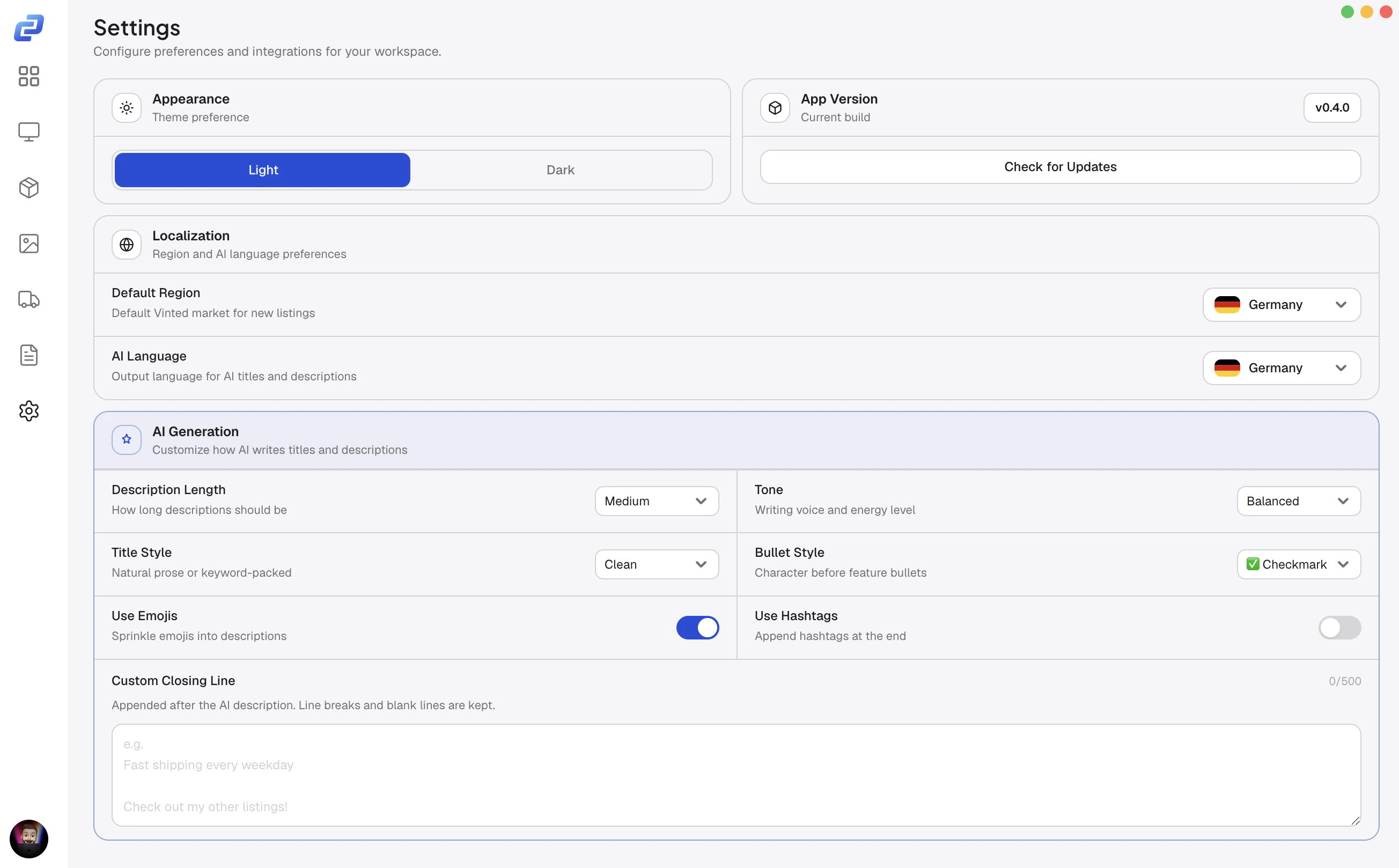
Appearance
Calius has a light and a dark theme.Vinted region
The Vinted region sets the language of the listing fields in the item editor.- Open Settings.
- Under Vinted Region, pick your market.
To set which market an account sells on, see Vinted.
AI generation
These settings control how they read.Language
Sets the language for AI titles and descriptions.Match it to your market: German for Vinted.de or Kleinanzeigen, French for Vinted.fr.
Style and tone
AI in the item editor
Webhooks
Post to Discord when something happens: a sale, a new listing, an edit, a delist, or an offer.- Go to Server Settings > Integrations > Webhooks and create one.
- Copy its URL.
- In Calius Settings, paste it into the matching field.
Updates
Calius checks for updates in the background.When one is ready, it downloads and shows an Install & Restart button. To check manually, open Settings and click Check for updates.
Your version is shown at the bottom of the page.